
Guides / Customer credit
Track customer deni without a notebook
In many Kenyan shops, regular customers buy on credit and settle later—often in bits. The problem is not offering deni—it is forgetting who owes what, and mixing debt payments into “today’s sales.” F-Biz ties credit to real sales and stock.
Why paper fails
- Names get spelled differently on different days
- Balances drift from what was actually sold
- Stock leaves the shelf but money never shows in your totals
- Partial payments get forgotten—or get counted again as a new sale
- Collecting becomes awkward because neither side trusts the number
A counter habit that works
- Add the customer once (name and phone)—or create them at checkout (see below)
- At checkout, select the customer. Pay with cash, mobile money, credit—or split (e.g. part cash, part deni)
- Stock updates with the sale—same as a full cash sale
- When they pay later, open the customer → Record Payment (any amount). Use Mark as Paid only when clearing the rest in full
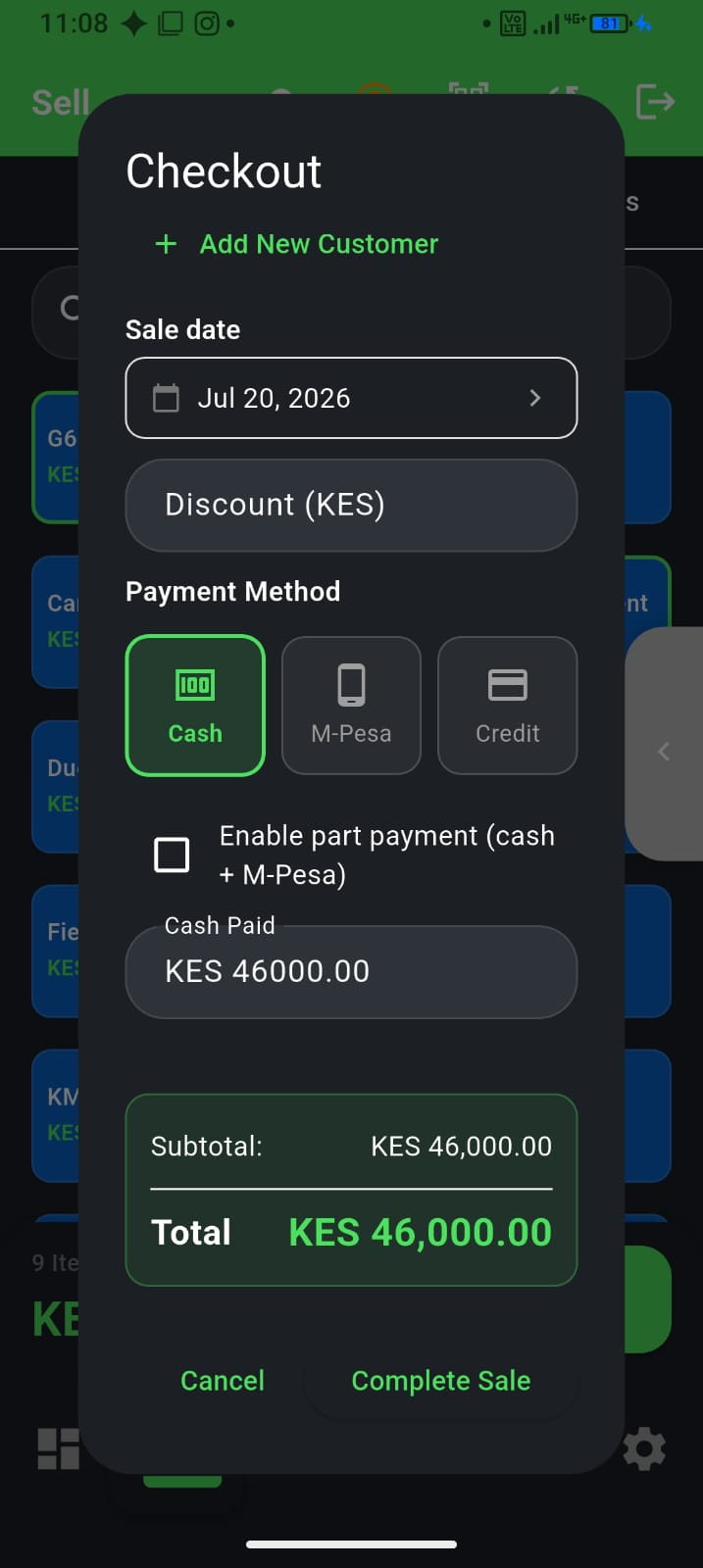
Add a customer at checkout
Walk-in asking for deni? You do not need to leave Sell first. At checkout, tap to pick a customer, then Add new customer, enter name and phone, and save. The dialog closes right away so you can finish the sale—the customer is linked to that receipt.
If you are offline or on patchy data, the sale may show as pending sync until the customer reaches the cloud. F-Biz sends new customers before credit sales automatically. When you are back online, open the dashboard and wait for sync to clear—see our offline POS guide.
Record Payment (staggered deni)
Customers often pay in bits—400 today, 600 next week. Each time money changes hands:
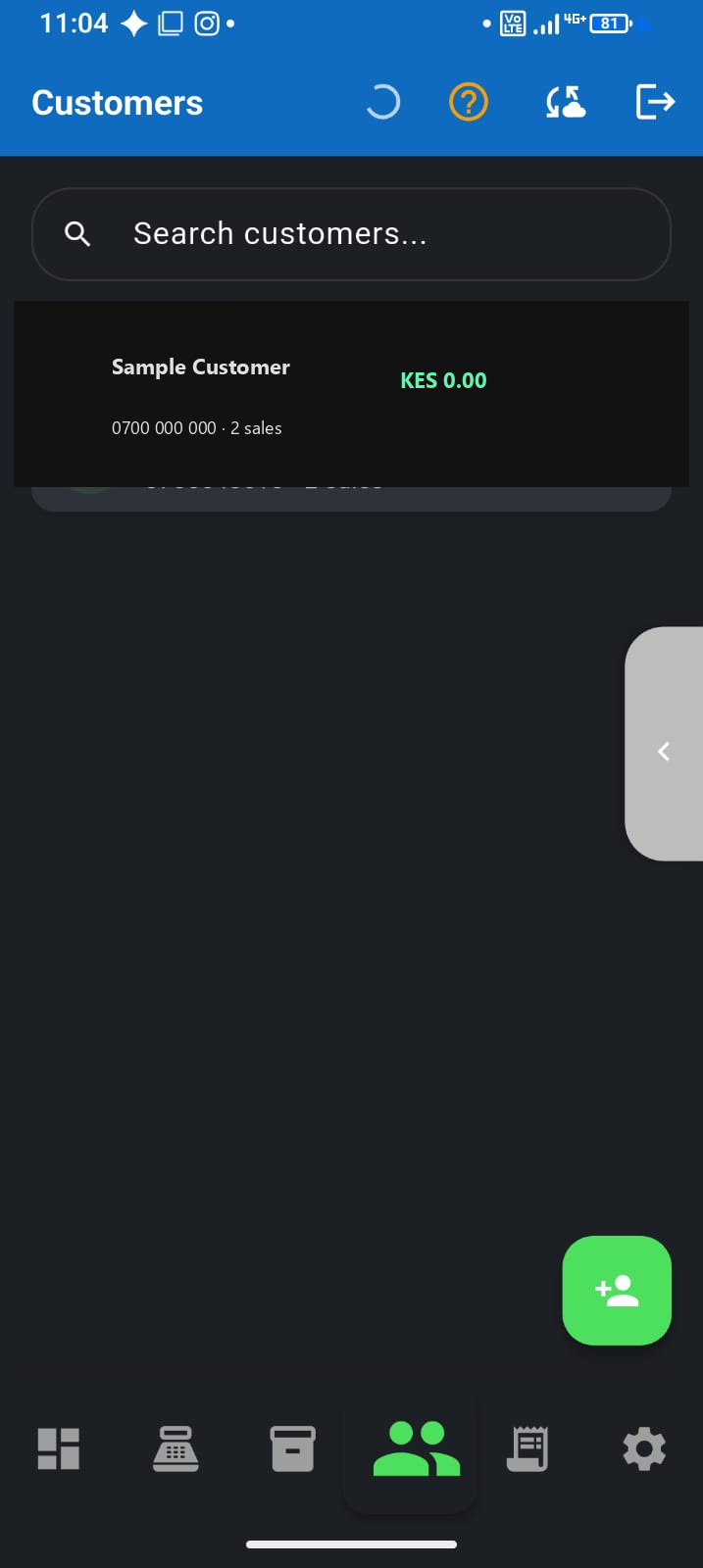
- Open Customers and tap the person
- Tap Record Payment, enter the amount and payment type (cash or M-Pesa)
- Save—their balance drops and Collected today on the dashboard goes up
- Use Mark as Paid only when the full debt is cleared in one go
That payment is not a new sale—the original credit sale already counted toward Sales today.
Sales vs money collected
A credit sale counts toward Sales today (stock left). When the customer pays later, that money counts toward Collected today—not a second sale. Staggered payments (400 today, 600 next week) are normal: record each one the day it happens.
Read more in Sales vs money in the till and pair with your end-of-day reconciliation.
Filter who owes you
Use the Owes money filter on the customer list to see open balances before you call or WhatsApp reminders. On unpaid sales you will see remaining balance after partial payments.
Who this is for
Any shop that extends deni—especially agrovet stores with seasonal farmer credit and chemists with regular customers on account.
Start small
Move your top 10 credit customers into F-Biz first. Once those balances match reality, expand the list. Accuracy on your biggest debtors beats a perfect register you never use.