
Guides / Offline POS Kenya
Offline POS for Kenyan shops
In Kenya, fibre cuts and patchy mobile data are normal. An offline-first POS means the till keeps working when the router does not—so your queue does not wait for Google.
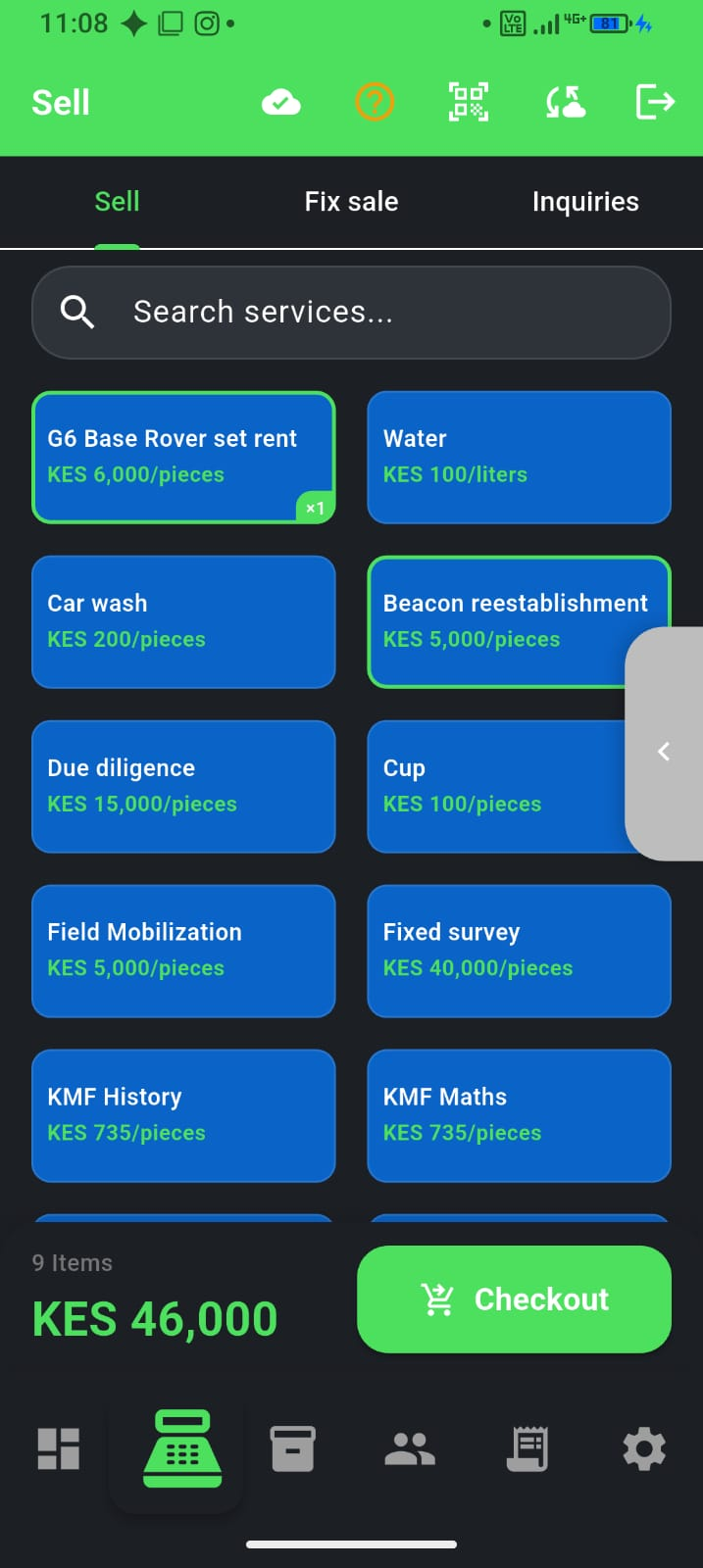
What “offline-first” means
Sales, stock changes, and receipts are stored on the phone first. When the network returns, F-Biz by Fayvad syncs to the cloud. You do not lose the day’s trade because Safaricom or your ISP blinked.
- Record cash sales without waiting for a server abroad
- Keep using your catalogue and prices already on the device
- Sync automatically when you are back online
- Credit sales with a new customer at checkout queue safely—customers sync before sales
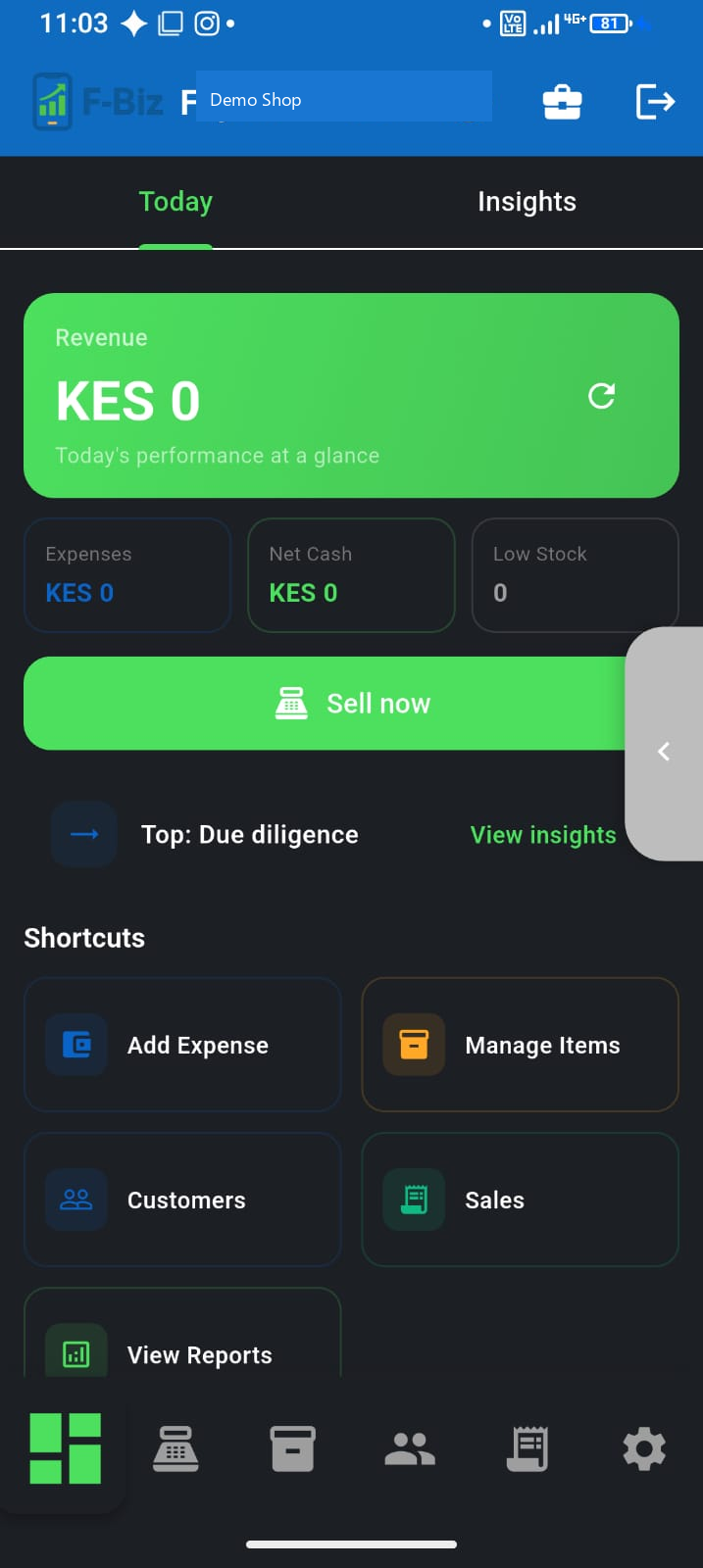
Pending sync badge
After a busy offline stretch you may see sales pending sync on the dashboard. That is normal—open the app on Wi‑Fi or mobile data and wait for the cloud icon to finish. F-Biz pushes new customers before credit sales so deni stays linked to the right person. If the badge persists, stay online for a minute and pull to refresh.
What still needs the network
Live M-Pesa STK prompts and some cloud reports need connectivity. Offline mode keeps cash (and queued sales) moving; when online again you can complete M-Pesa flows and sync.
If two phones sell offline, both sync when back online—avoid editing the same receipt on two devices at once. Lost your phone? Sign in on a new device with the same account; synced data returns when you connect.
Who this is for
Dukas, chemists, hardware counters, and service businesses that run on Android—especially where power and data are unreliable. F-Biz is built by Fayvad for that reality, with English and Kiswahili. See workflow examples for chemists, hardware, supermarkets, and agrovet shops.
Next steps
- Install F-Biz from Google Play
- Add your products (or start simple and grow)
- Sell offline, then check sync when you have data
Related reading
- Mobile-first, offline-first POS for MSMEs — why this architecture fits Kenyan shops
- M-Pesa at the counter