
Guides / M-Pesa, cash & stock
How to record M-Pesa and cash without losing stock
The classic leak: money hits the till (or M-Pesa) but the shelf is never updated—or stock moves and nobody records the payment type. By month end you feel busy and still cannot explain the numbers.
Why shops lose stock (and trust)
- M-Pesa is confirmed on the phone, sale never entered in the book
- Cash is taken “quickly” during a rush with no line items
- Split payments (part cash, part M-Pesa) get recorded as one or the other—wrong
- Credit (deni) looks like a sale in your head but never reduces inventory properly
The one-habit rule
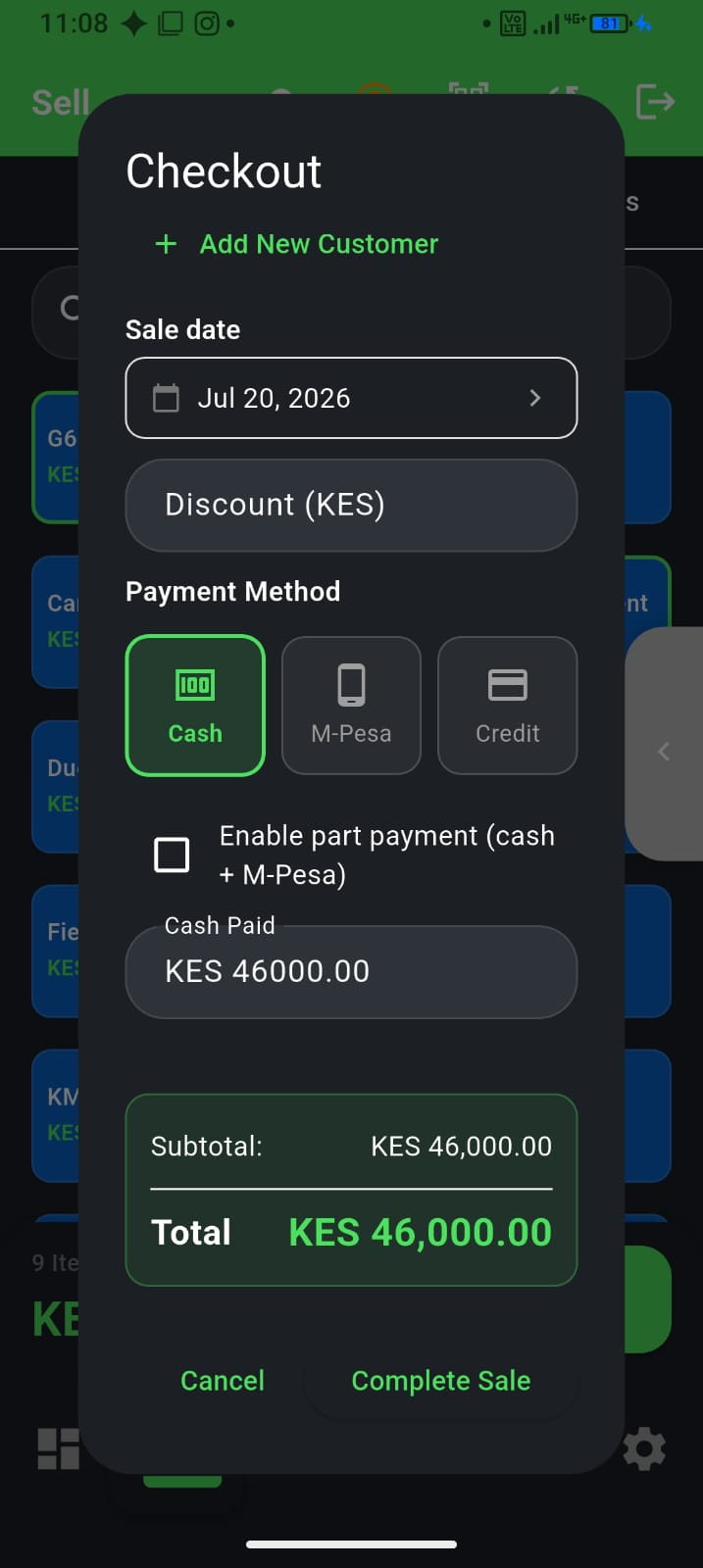
No money movement without a sale record that includes the items. Payment method is a field on that sale—not a separate WhatsApp note.
- Add items (or scan) first
- Choose cash, M-Pesa, card, credit, or a split
- Complete the sale so stock drops immediately
- If you mistap, fix the same day (void + re-sell)
M-Pesa without breaking inventory
- Customer pays via M-Pesa as usual—your POS is not a replacement till number
- Mark the sale as M-Pesa in the app so reports match statements
- Capture a reference when your process needs it
- Remember: live STK prompts need data; cash can continue offline
Detail: M-Pesa at the counter and offline POS.
Close the day so leaks show up early
Before you leave: match cash counted + M-Pesa received + credit extended to what the POS says. Weekly is too late for a busy duka. See end-of-day reconciliation.
How F-Biz helps
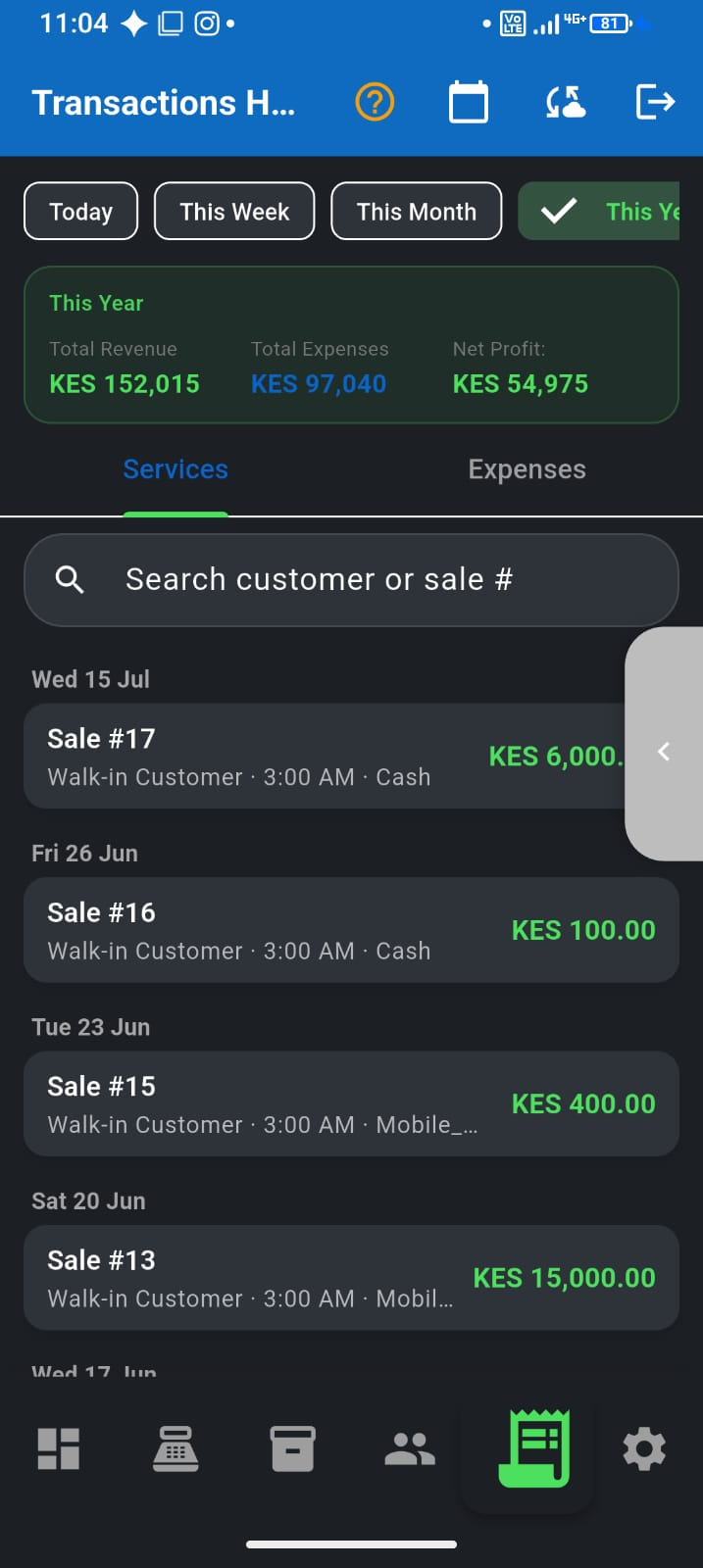
F-Biz by Fayvad ties payment type to the sale and reduces stock when you sell—so M-Pesa nights do not empty shelves silently. Mistakes: use Fix sale the same day.