Guides / Kiswahili
Use F-Biz in Kiswahili
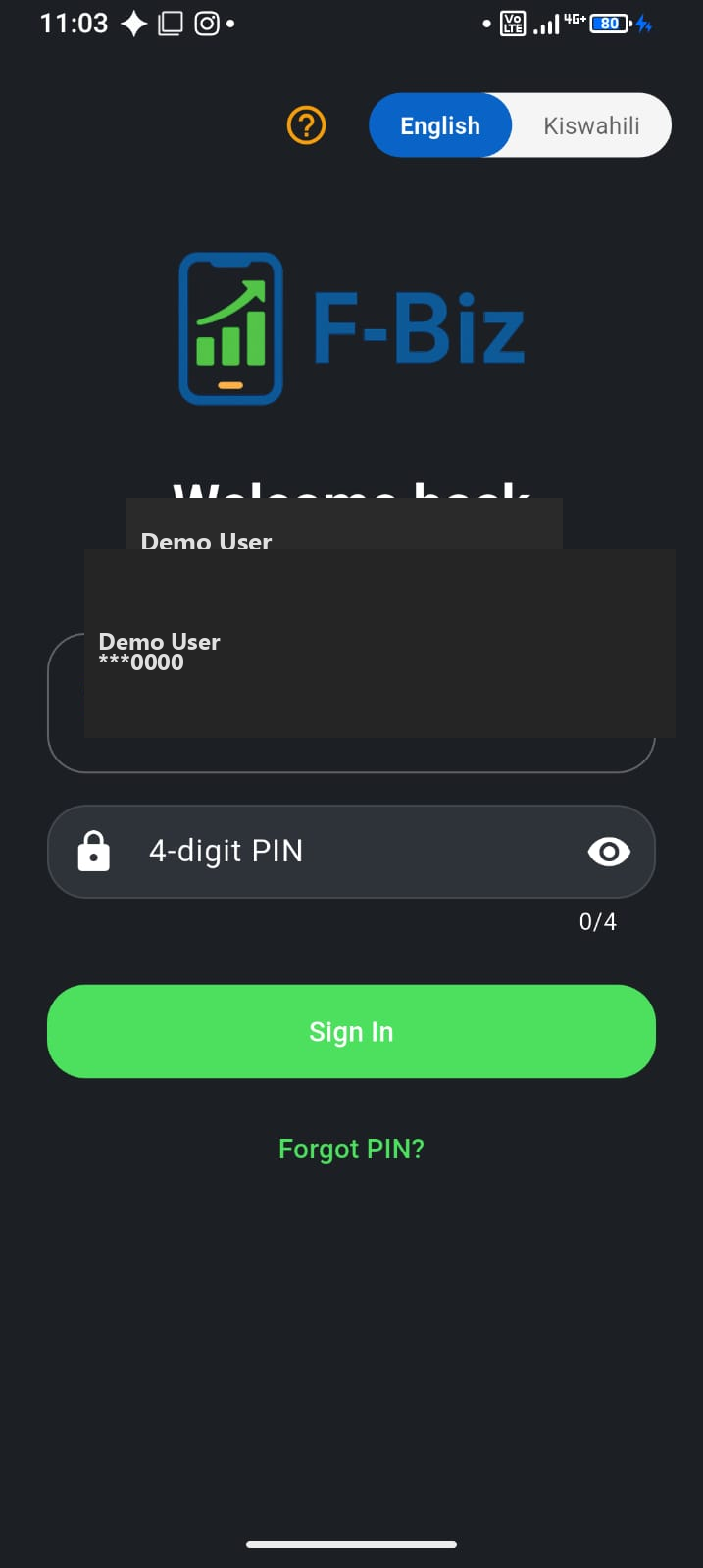
Your counter language should match your team. F-Biz ships with English and Kiswahili—you can switch at login or in settings without a separate app download.
When to switch
- At login — best if the whole shop prefers Kiswahili menus
- In settings — change later if you started in English during setup
- Product names you type stay as you enter them—only app labels change
✅ Done when: Sell, Items, and Customers show Kiswahili (or English) labels your cashier can read at a glance.
Who benefits
Staff who are stronger in Kiswahili sell faster when buttons match how they think. Owners who prefer English for reports can still export and share numbers—the underlying data is the same either way.
Need help in your language?
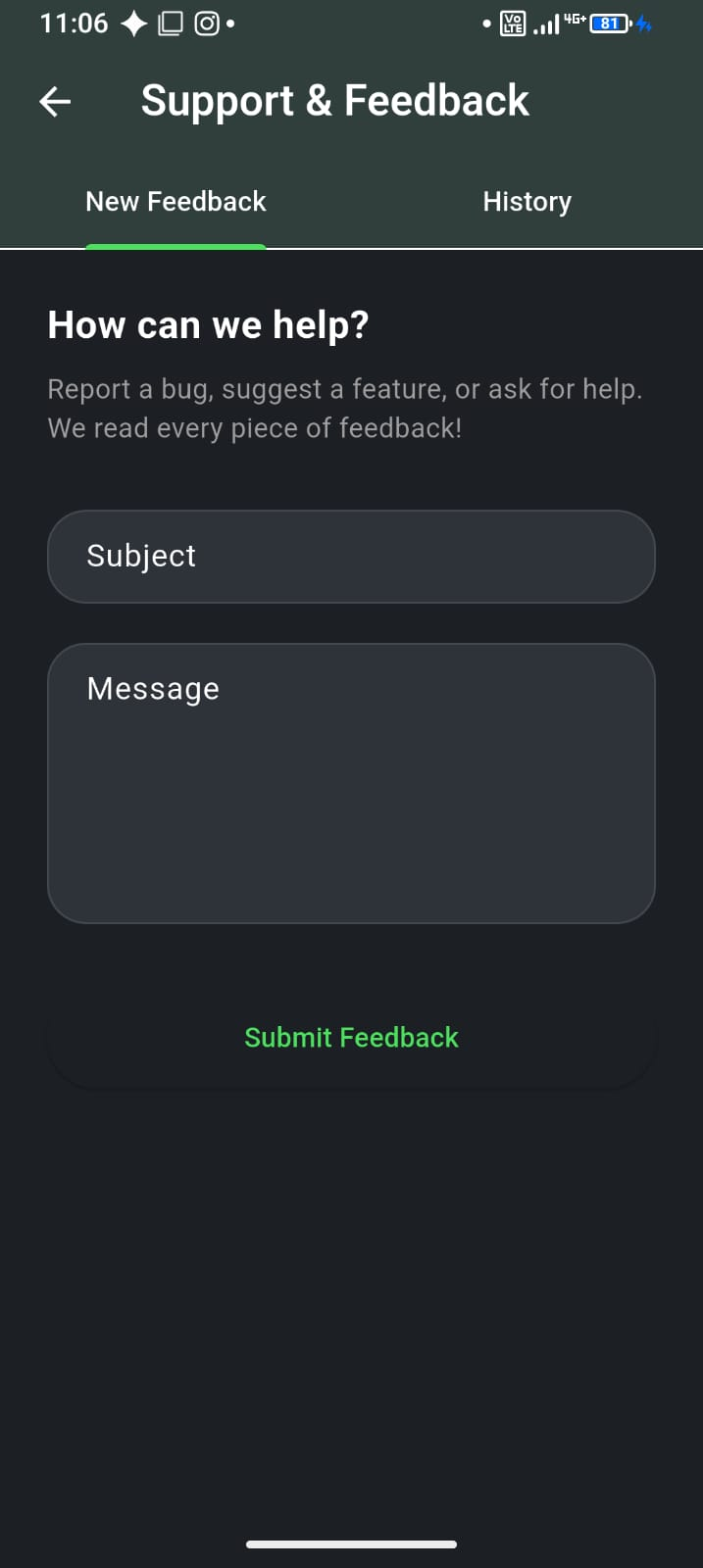
Use Settings → Support & feedback to reach the F-Biz team. Describe your issue in English or Kiswahili—we support both.