
Guides / Switch phones
Switch phones without losing your data
Phones break, get stolen, or run out of storage. F-Biz stores your business in the cloud after sync— so a new device is a sign-in away, not a fresh start from zero.
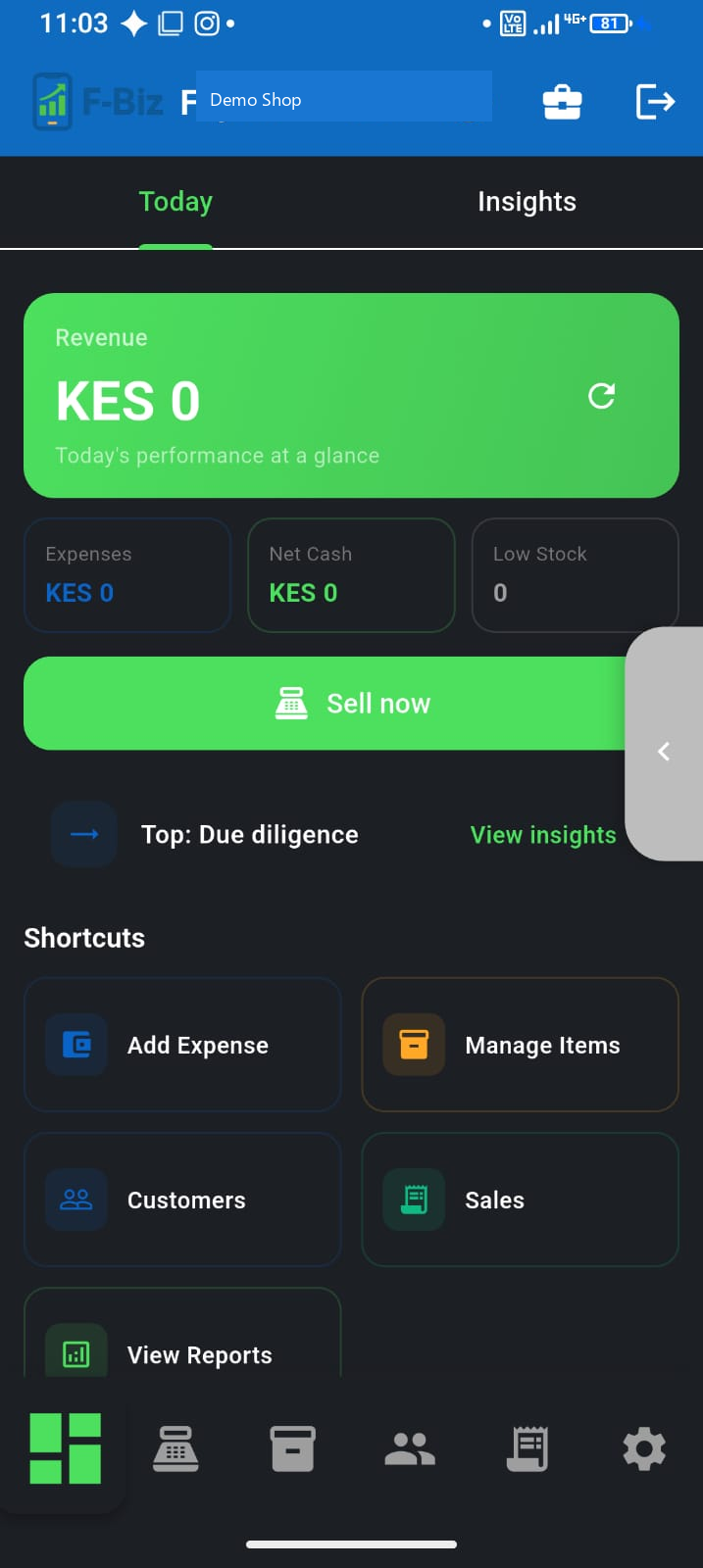
Before you switch
- On the old phone, connect to Wi‑Fi or mobile data
- Open F-Biz and wait for sync to finish (cloud icon with checkmark)
- Resolve any sales pending sync badge—especially after offline credit sales where you added customers at checkout
- Note your PIN—you will need it on the new phone
✅ Ready to switch when: unsynced count is zero and today’s sales appear after a refresh.
On the new phone
- Install F-Biz from Google Play
- Sign in with the same account (phone or email)
- Enter your PIN or set up biometrics
- Select your business—catalogue and history download from the cloud
If the old phone is gone
Sign in on a new device with your account. Anything that had synced before the loss is recoverable. Sales that never left the old phone cannot be reconstructed—another reason to sync daily. See our offline POS guide for sync habits.
Staff devices
Each cashier uses their own login — Free and Pay As You Go include one Cashier seat; Team unlocks Managers and more gadgets. They do not share your owner PIN. See the staff guide.