
Guides / F-Biz Market
Get discovered on F-Biz Market
Customers nearby can find what you actually have in stock — because your F-Biz inventory becomes your online shelf. No website to build. No duplicate catalogue. Message, visit, pay at the counter. Free and Pay As You Go shops can list too — Market is part of running F-Biz, not a separate subscription.
How it works for merchants
- Publish products from your existing inventory—no duplicate catalogue
- Customers browse on f-biz.fayvad.com/market
- They ask, reserve, WhatsApp you, or leave a review (one per phone)—they do not pay inside the app
- You fulfil at the counter with normal F-Biz checkout (cash, M-Pesa, or credit)
- Reply to or hide reviews from Market inbox; F-Biz can remove abusive ones
Who can appear on Market
- Free, Pay As You Go, Team, Desktop — shop link and directory when your business is entitled
- Active — Free with an active account; PAYG with activity this month (top-up, spend, or monthly unlimited); Team/Desktop with a paid period still current; Own it with maintenance current
- 60-day Market grace — if you become inactive, your listing stays visible for 60 days, then is hidden (not deleted). Reactivate to restore discovery
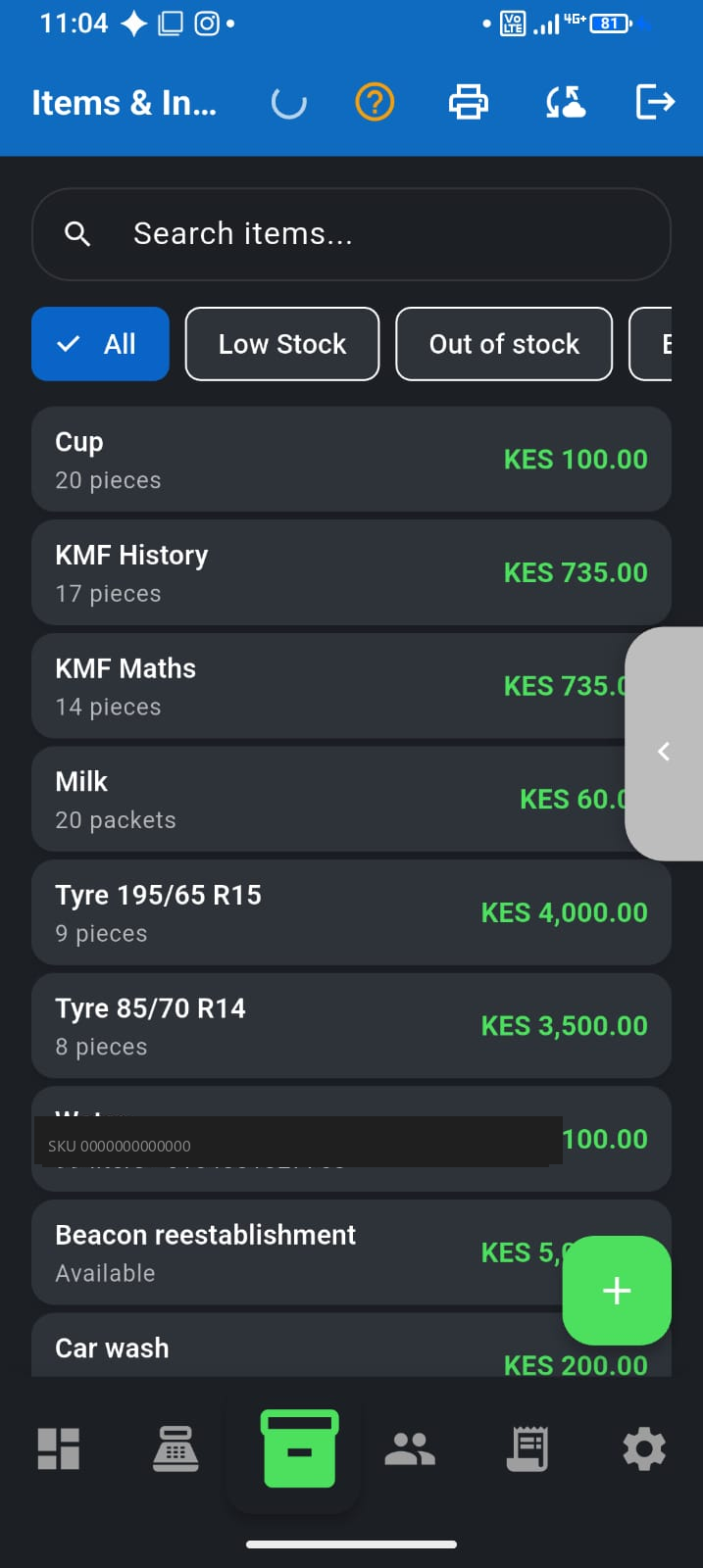
- Keep stock updated in the app so the shelf online matches the shelf in the shop
Setup checklist
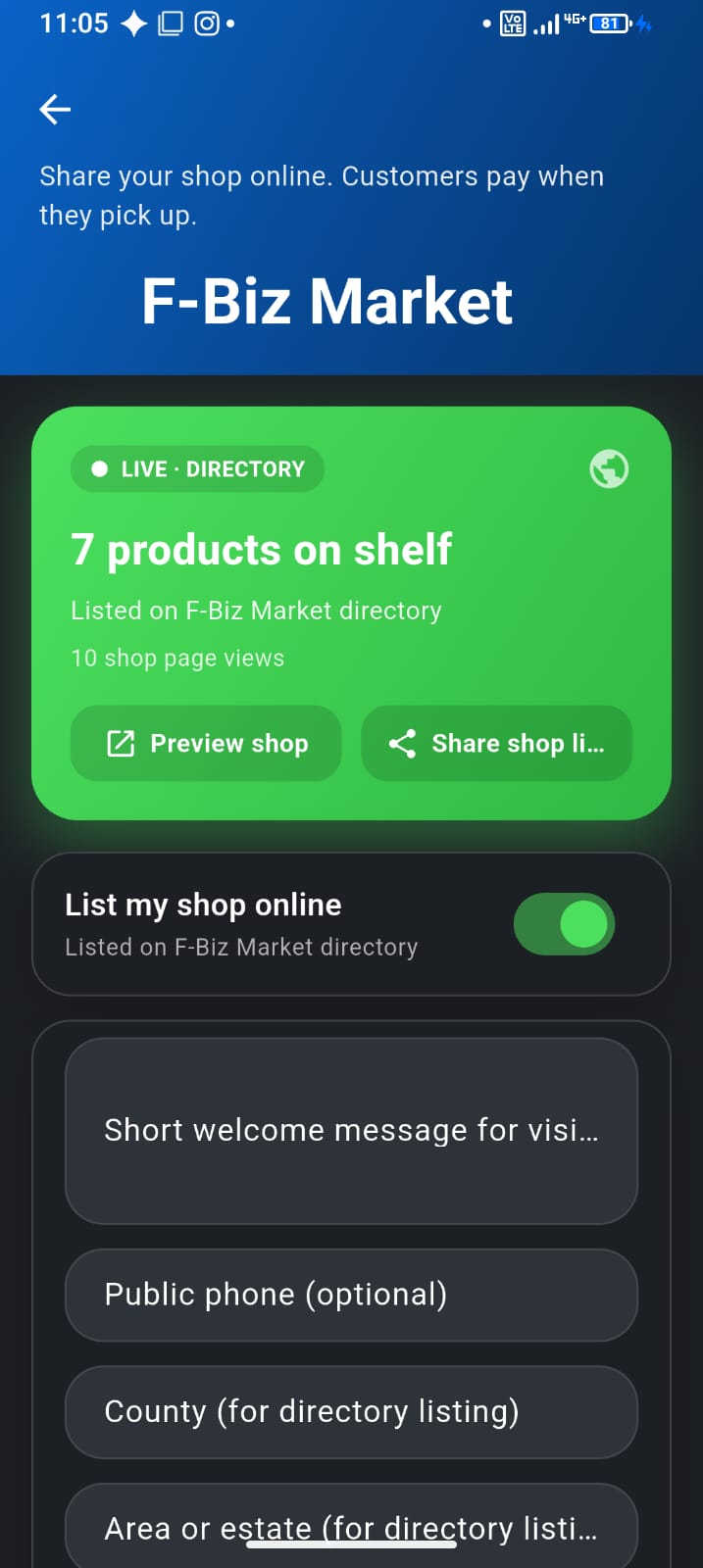
- Complete your business profile (name, area, optional public phone)
- Mark products as published to Market from inventory
- Toggle List my shop online in Market settings
- Preview the shop page and share the link with regular customers
- Respond to inquiries from Sell → Inquiries (service businesses), keep booked clients on Sell → Bookings, or reply on WhatsApp
Why pay-on-pickup
Kenyan MSME trust is built face-to-face. F-Biz Market is discovery and conversation—not another payment gateway taking a cut. You keep your M-Pesa till, your credit customers, and your counter workflow.
What to read next
- Publish inventory to F-Biz Market — toggles, Publish in-stock, keep the shelf honest
- Duka inventory on your phone
- Pricing plans — Free and PAYG both include Market