
Guides / Branches
Manage shop branches
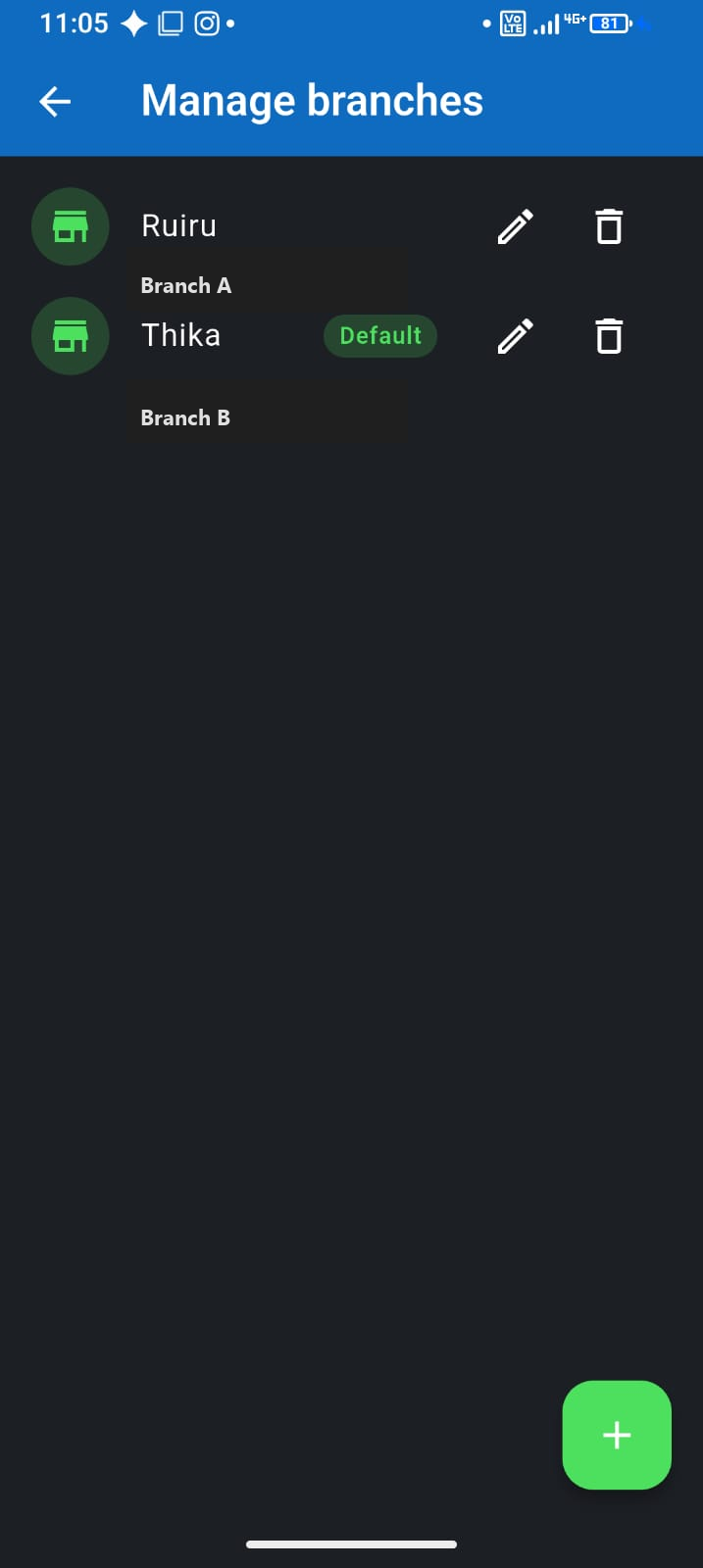
One brand, two locations—Ruiru and Thika, main shop and kiosk. Branches let you tag sales and expenses by site while keeping one business account. Available on Team plan and above.
Branches vs separate businesses
- Branches — same owner, same brand, shared catalogue option, split by location
- Separate businesses — different ventures, different books (see multiple businesses guide)
- Use branches when you compare performance across sites of the same shop
Setup
- Upgrade to Team (or Desktop Store / Enterprise) when you have multiple physical locations
- Settings → Manage branches → add each site
- Mark one branch as default for quick checkout
- At Sell, pick branch if the sale happens away from default
Reporting
Filter transactions and reports by branch to see which location earns more—or bleeds stock. Pair with staff setup so each site has its own cashiers on the same plan.