
Guides / Duka inventory
Duka inventory on your phone
Paper stock books go stale the moment you sell. A duka inventory app keeps levels tied to sales—and to deliveries when you receive or adjust stock— so you reorder with evidence, not memory.
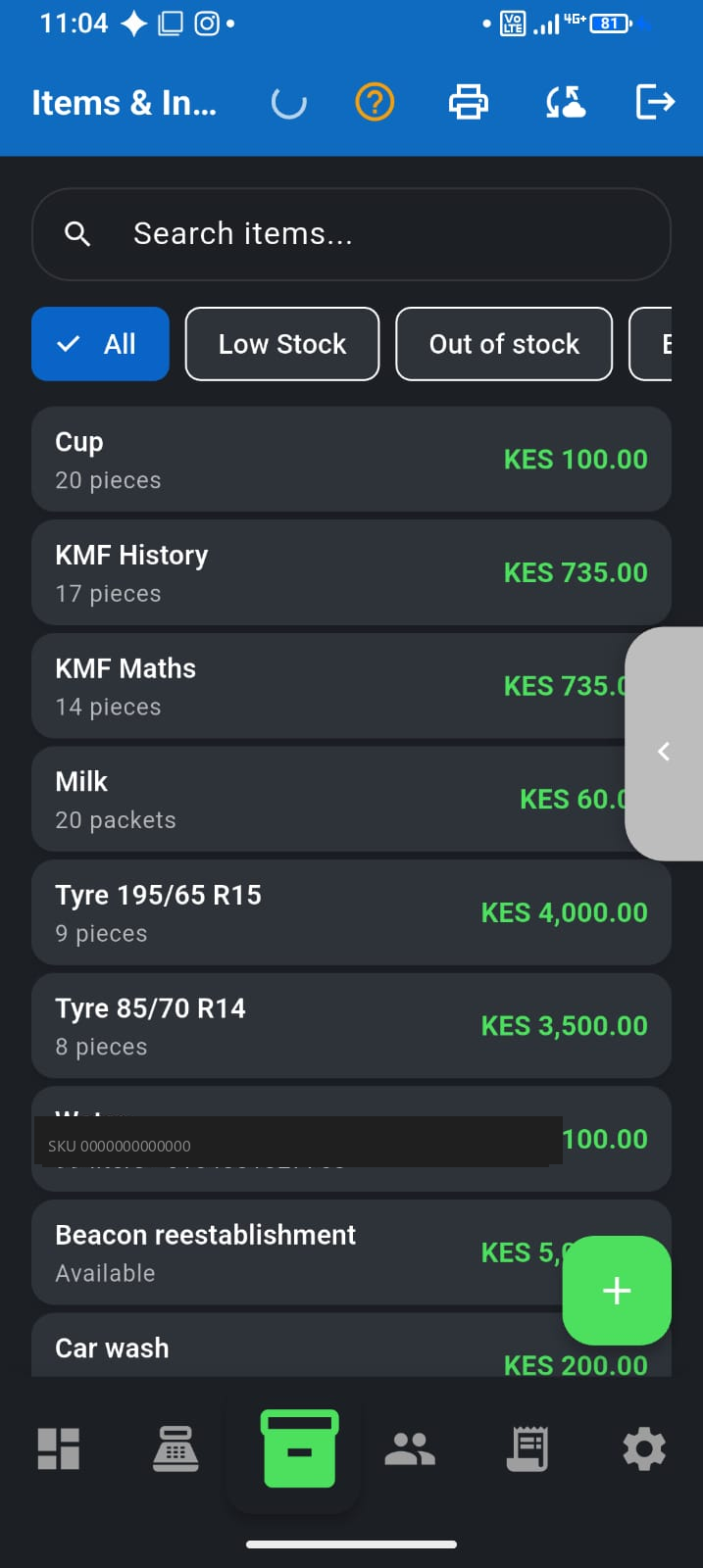
What good inventory looks like for MSMEs
- Products with names, prices, and optional barcodes
- Stock that falls when you sell
- Stock that rises when you receive a delivery
- Low-stock signals before you run out of fast movers
- Works on everyday Android phones, not only shop PCs
Daily habit (three moves)
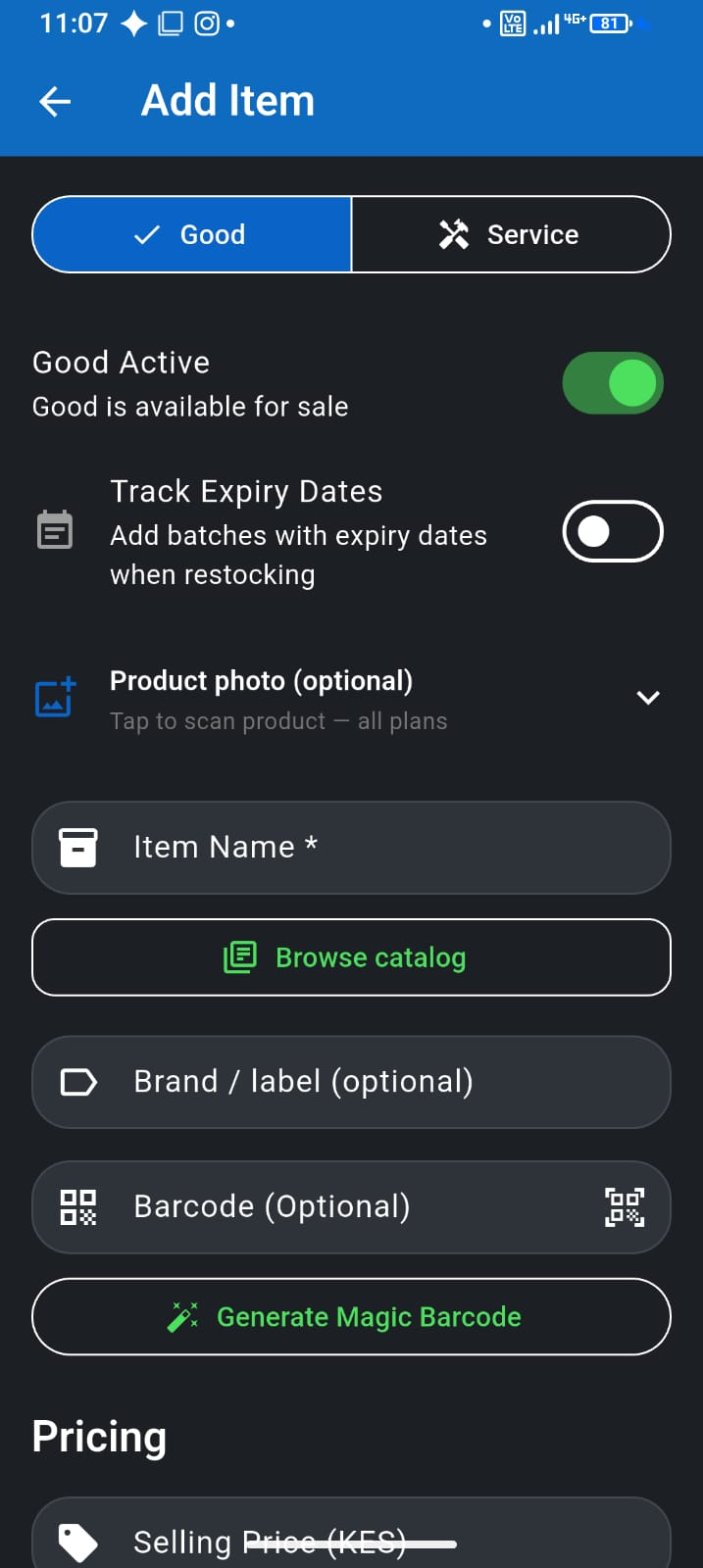
- Add your top movers once (name, price, optional threshold)
- Sell from Sell or Turbo — levels drop automatically
- Receive or adjust when goods arrive or a count disagrees with the phone
Step-by-step for inbound stock: Receive stock, adjust levels & low-stock alerts.
How F-Biz by Fayvad helps
Add your catalogue once, sell from POS or Turbo, and inventory stays in step. Receive multi-item deliveries from the Items tab; adjust one product after a spot-check. Use English or Kiswahili. Start free, then grow into team and desktop lanes when the shop needs them.
Who this is for
Chemists, supermarkets, and mini-marts with fast-moving SKUs—especially when you need to know what is on the shelf before a customer asks. See F-Biz for chemists and supermarkets for counter-specific workflows.
Tip for busy shops
Start with your top 50 items. Accuracy on bestsellers beats a perfect spreadsheet you never open. Expand the catalogue as the habit sticks. Publish only honest in-stock items to F-Biz Market.