
Guides / Publish to Market
Publish inventory to F-Biz Market
Listing your shop is only half the story. Customers need a shelf they can trust— the same catalogue you already use at the counter, with clear control over what goes public.
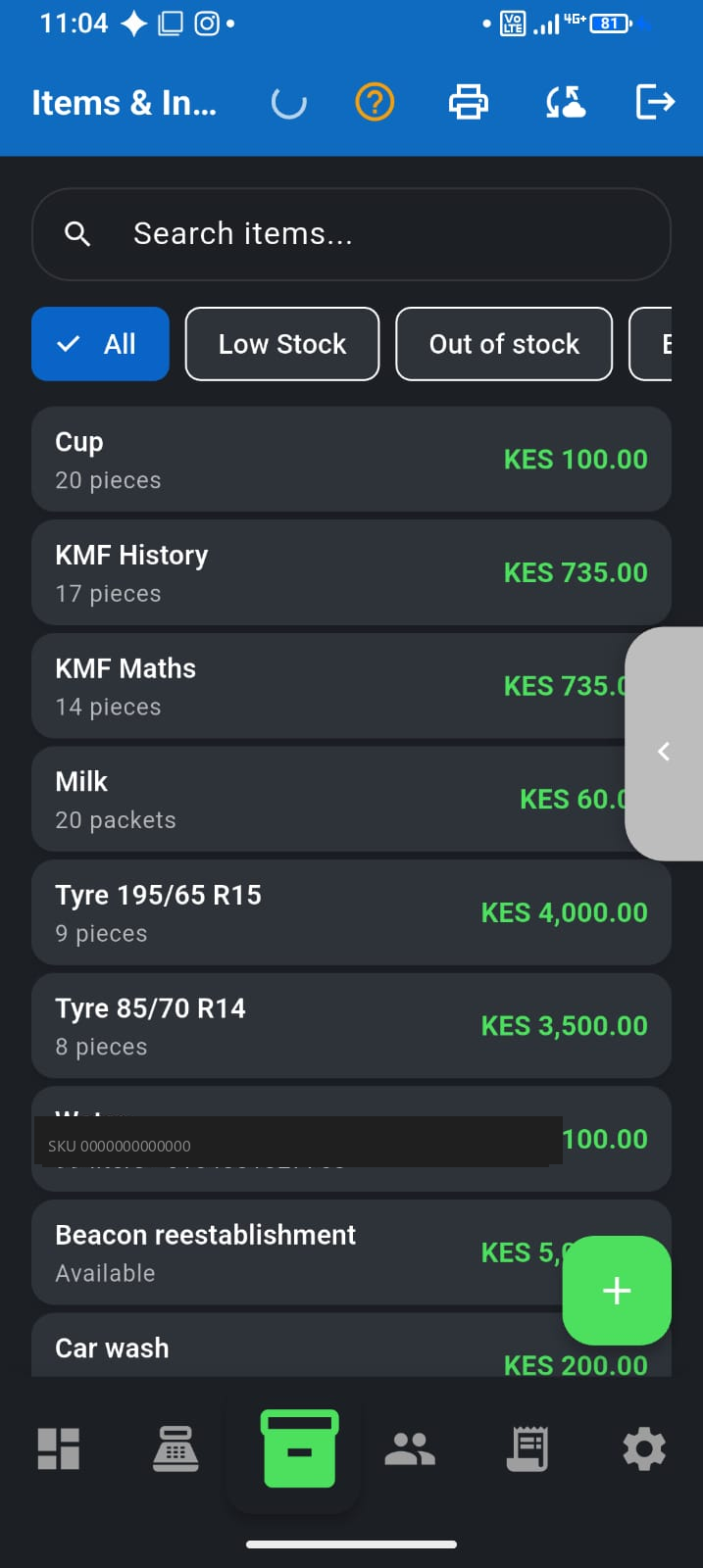
What buyers see
- Only items you mark with Show on F-Biz Market
- Names, prices, and availability from your live inventory
- Your public shop page—not a separate website or Instagram catalogue
- They message or visit you; they pay when they collect (cash, M-Pesa, or credit at the counter)
How to publish products
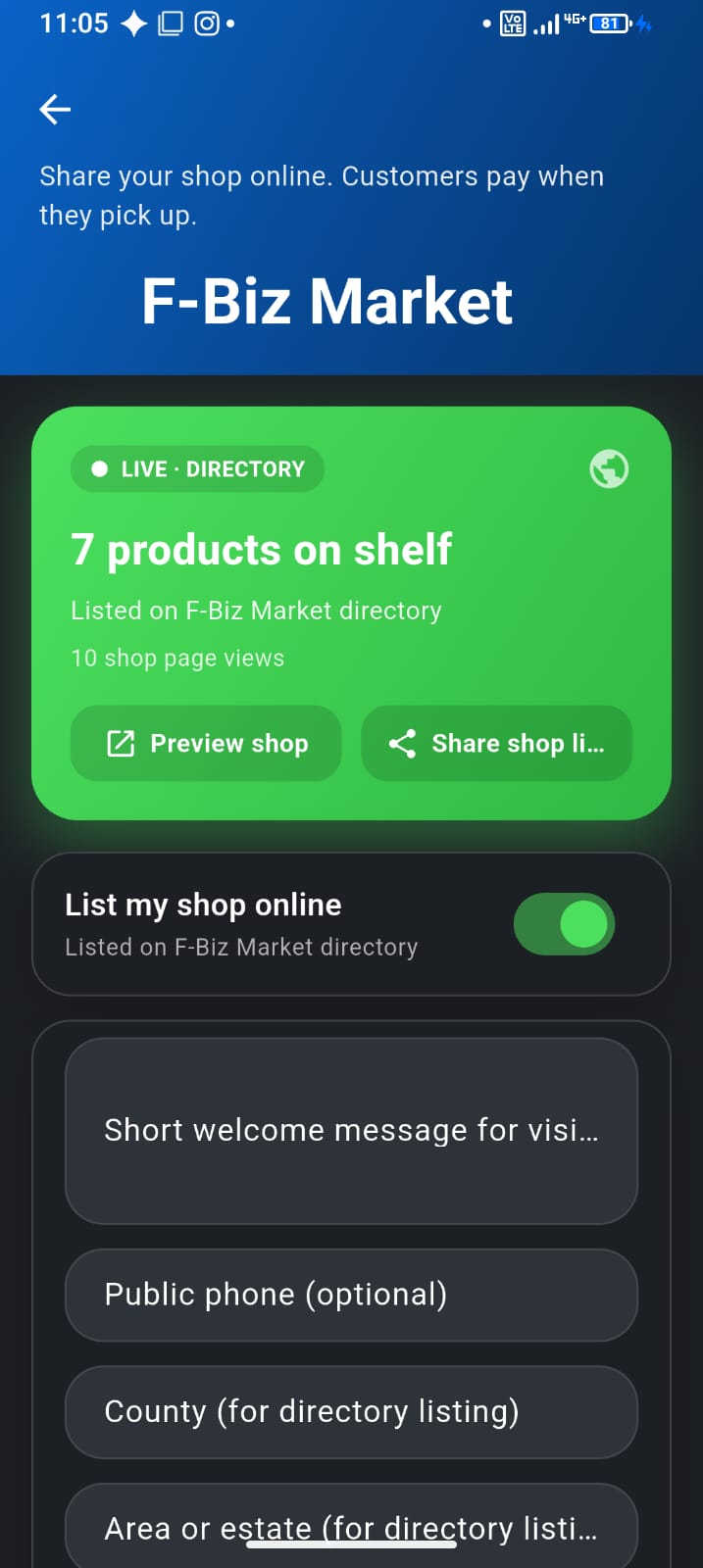
- Open Market in the app (or your Market hub)
- Go to the products list for Market publishing
- Toggle Show on F-Biz Market on items you want public
- Or use Publish in-stock to publish everything currently in stock in one step
- Use Unpublish all if you need to take the shelf offline quickly
- Preview your shop page before you share the link widely
Keep the online shelf honest
- Sell in F-Biz so stock updates with real sales—not a separate spreadsheet
- Unpublish seasonal or sensitive lines you do not want discoverable
- Empty published shelves hurt trust more than a shorter, accurate list
- After big restocks, re-check published items so new lines can go live
What to read next
- List your shop on F-Biz Market — directory, plans, and pay-on-pickup
- Duka inventory on your phone
- Browse F-Biz Market